
A fast plan through a badly placed router is like a sports car in beach sand. The line into your house is only half the story. The other half is the small network you run inside it, and a handful of choices, most of them free and none of them technical, decide how the whole thing feels.
Five choices make or break your Wi-Fi:
- Put the router in the open, near the middle of the house.
- Wire anything that does not move.
- Use one network name and let devices roam.
- Put visitors and smart gadgets on the guest network.
- Turn on automatic updates, then stop thinking about it.
Placement is the biggest free upgrade you have
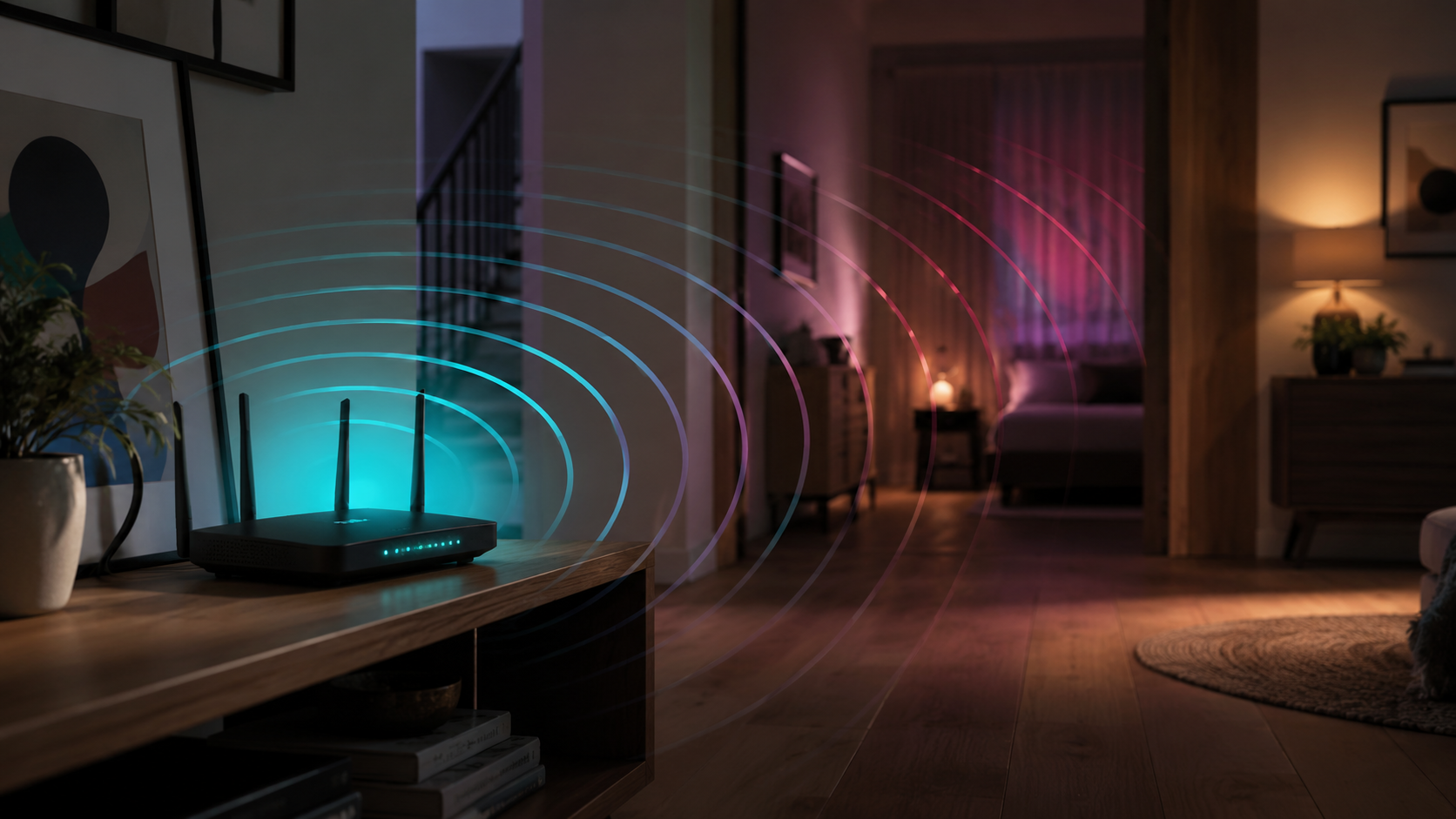
Not in a closet, not behind the TV, not in the basement corner. Central, elevated, and visible beats hidden every single time. Wi-Fi is radio, and radio spends signal on every obstacle it crosses, so a router tucked into a cabinet is broadcasting into wood before it broadcasts into your house.
Height helps for the same reason: the signal spreads out and down rather than straight into the floor joists. If the equipment has to live at one end of the building because that is where the line comes in, plan the coverage around the rooms people actually use. The near ones will be fine either way; the far ones are the ones to design for.
The same logic applies to mesh units, and it is where most people get it wrong. A second unit belongs roughly halfway between the router and the dead zone, not inside the dead zone. It has to hear the first one clearly before it can pass anything along, so a unit parked in the weakest corner of the house rebroadcasts a weak signal and everybody concludes that mesh does not work.
Wire what does not move
TVs, desktops, consoles: if it lives on a shelf, give it ethernet. Every wired device also frees up airtime for the ones that roam.
That second part surprises people. Wi-Fi is a shared conversation and every device takes turns talking, so moving the big steady talkers onto cable leaves fewer devices competing for the same air. Two ethernet runs can measurably improve the wireless experience for everything else in the house, which is a strange and satisfying way for a network to work.
If running a cable through a wall is not happening, get the device close to a mesh unit instead, and use the ethernet ports on the back of that unit for anything sitting beside it. A short cable to a nearby access point is almost as good as a long cable to the router, and it takes about a minute.
One network name, and let devices roam
With mesh, keep a single Wi-Fi name for the whole house. Devices hop to the strongest unit automatically; split names fight that.
The old habit of naming the two bands separately made sense back when devices were bad at choosing between them. Modern ones are good at it, and they can only do it if you let them: one name, one password, no manual switching as you walk from the office to the back porch. If you have inherited a network with three names on it, collapsing them is an evening well spent.
While you are naming things, pick a network name that does not announce your address or your surname to the street, and give it a real password rather than a memorable one. You will type it perhaps twice a year per device, so length costs you almost nothing and buys you quite a lot.
The guest network is not just for guests
Visitors and sketchy smart gadgets go on the guest network, away from your laptops, cameras, and files.
The cheap plug that turns a lamp on is the device most likely to be running firmware nobody has updated since the day it was built. On the guest network it can reach the internet and nothing else, so a bad day for the plug is not a bad day for the laptop with your tax returns on it. It takes two minutes to set up and it is the easiest security improvement available in a house.
Update it, then forget it
Our managed router updates itself. If you brought your own, turn on auto-updates. Firmware is boring right up until it is not.
While you are in there, get in the habit of restarting the router every month or two. Routers are small computers, and small computers benefit from being switched off now and then. It costs you ninety seconds and it heads off the slow, gradual weirdness that otherwise builds up unnoticed.
Once a year, open the device list in the app and read it. You will find a tablet nobody has charged since last summer, a printer that was replaced, and occasionally something you cannot identify at all. Naming the devices you keep and removing the ones you do not takes ten minutes and makes every future troubleshooting session shorter.
Or let us do all of it
Every ZoomFiber install includes network setup: placement, mesh design, naming, and a walk-through of the app before we leave. You get a pro-grade network without reading a single forum thread. See what is included on install day if you want the details first.
It is also worth calling us later rather than living with it. Households rearrange: an office moves upstairs, a garage becomes a gym, someone finally puts a TV in the back bedroom. Coverage that was designed for the old layout can be adjusted for the new one, and that is a conversation, not a research project. The network should fit the house you actually live in, and houses keep changing.