
Something is slow. The video is buffering, the call is freezing, the page is doing that half-loaded thing where the text arrives and the pictures do not. Before you go shopping for a bigger plan, spend five minutes working out what is actually slow, because nine slowdowns out of ten are not the internet at all. They are Wi-Fi problems wearing an internet costume.
Your internet and your Wi-Fi are two different things
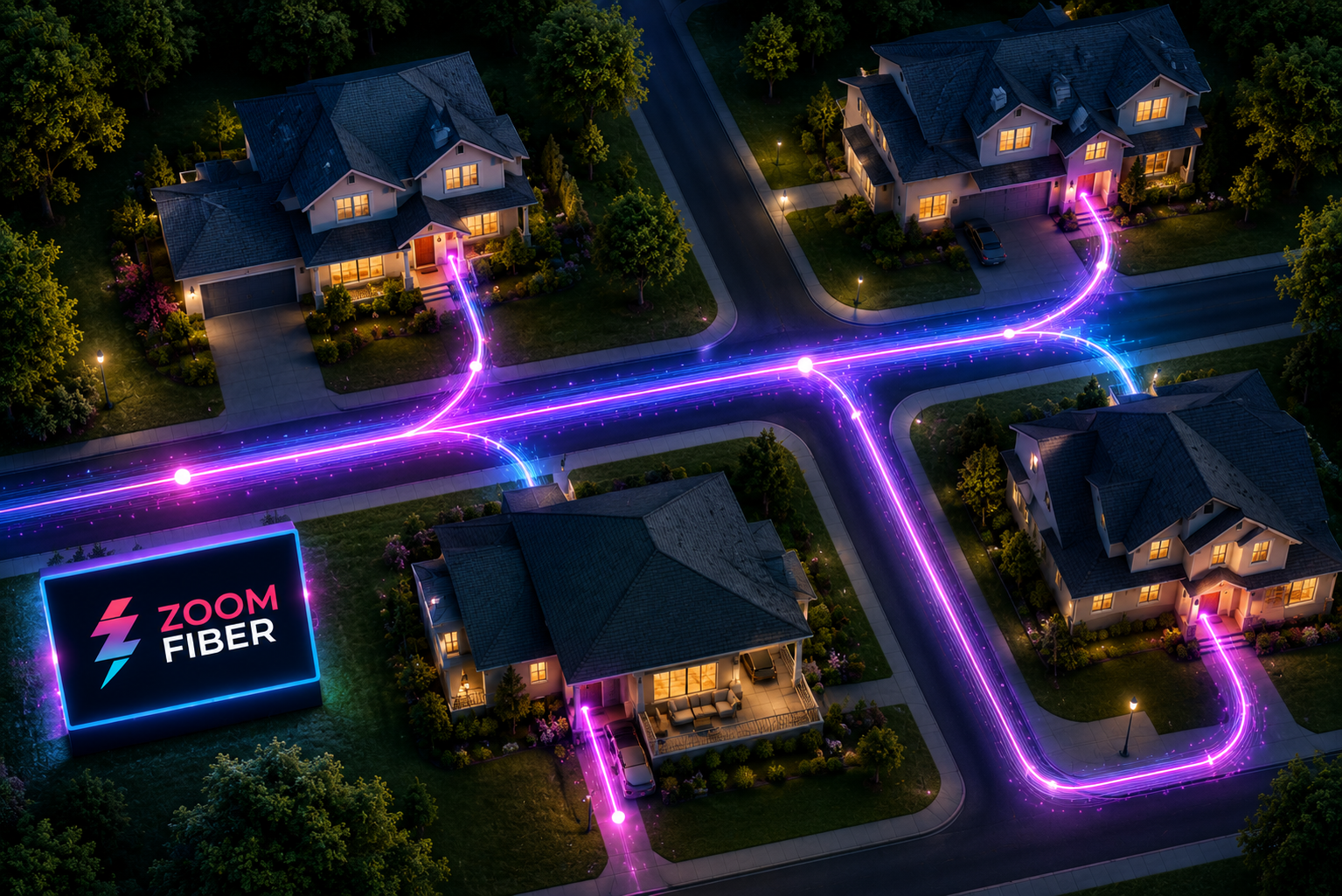
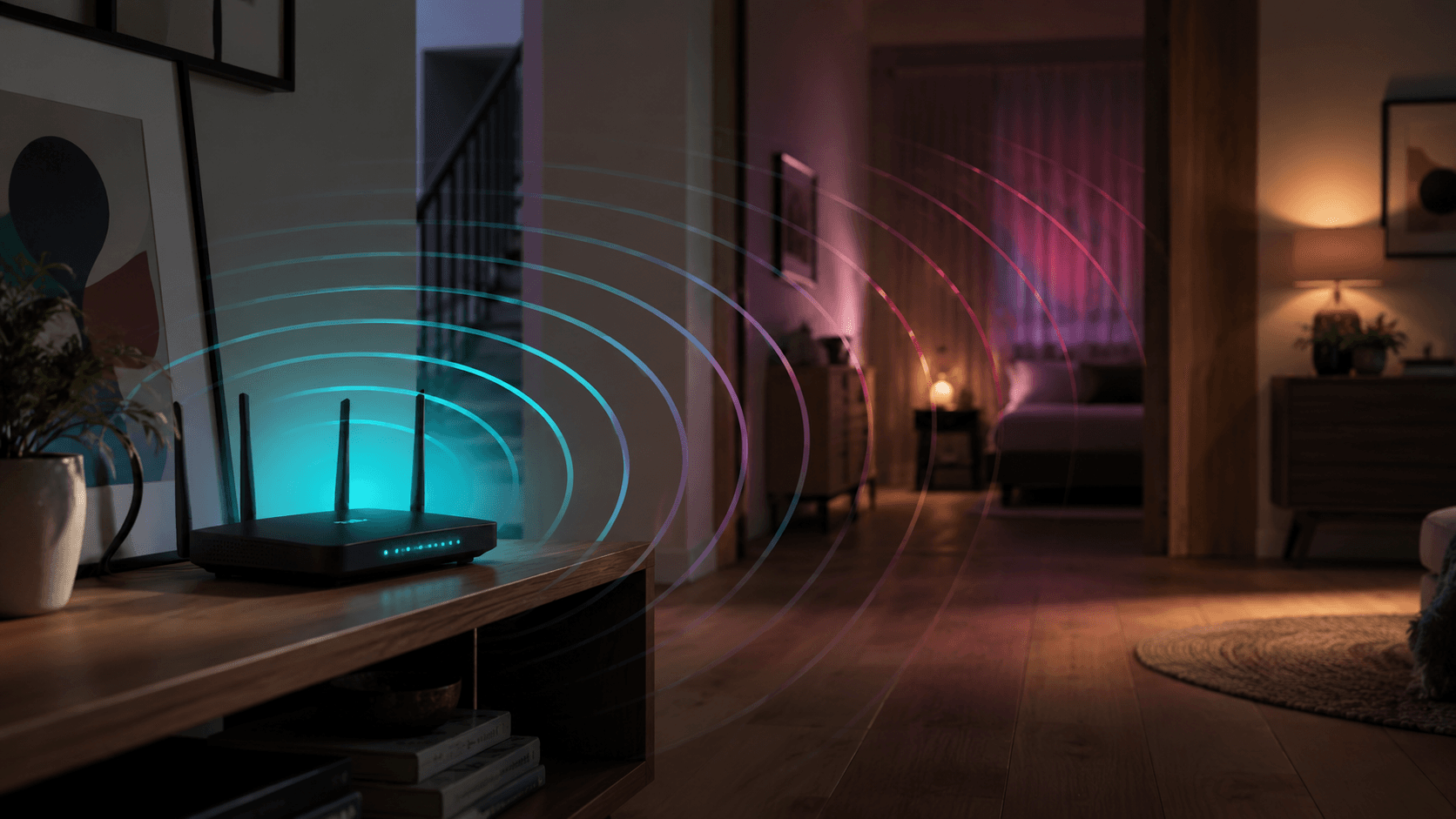
The line coming into your house and the radio signal moving around inside it are separate systems, and only one of them is on your bill. Your plan speed is measured where the fiber arrives. What reaches the laptop in the back bedroom has also crossed a router, two walls, a refrigerator, and whatever the neighbors are broadcasting on the same channel.
When people say the internet is slow, they almost always mean the second half of that trip. The diagnosis below tells the two apart. Work through it in order and you will usually find the culprit before step three.
The distinction matters because the two have completely different fixes. A Wi-Fi problem is solved by moving something, adding coverage, or wiring a device. An internet problem is solved by us. Spending money on the wrong one is the most common mistake in this whole category, and it is an expensive way to keep the original problem.
The five-minute diagnosis
- Test wired, right at the router. Run a speed test on a device close to (or plugged into) the router. If this number matches your plan, your internet is fine and the issue is Wi-Fi coverage.
- Test the slow spot. Run the same test where things feel slow. A big drop from test one means distance, walls, or interference are eating your signal there.
- Count the crowd. Backups, 4K streams, cloud photo syncs, and game updates all share your connection. Pause the heavy hitters and retest before blaming the line.
- Restart the gear. Unplug the fiber unit and router for 30 seconds each. It is a cliche because it works: this clears most memory and congestion gremlins.
- Still slow? Call us. If a wired test near the router misses your plan speed, that is our department. Local techs, real diagnostics, no script-reading.
Run the tests properly and they will actually tell you something. Use the same speed test site for every run, close the other tabs, and test twice a minute apart, because one bad result proves nothing. Write the numbers down as you go. Three numbers on a scrap of paper turn a vague complaint into a diagnosis.
What the two speed tests are telling you
If test one hits your plan speed and test two does not, you have a coverage problem, and no plan upgrade will fix it. A faster line into a house that cannot carry the speed to the far bedroom just means the bottleneck stays exactly where it already was, with a larger number in front of it.
If test one also misses your plan speed, the problem sits upstream of your Wi-Fi: the line, the equipment, or the device you tested on. Try a second device before you call, because one tired laptop with an old wireless card will happily blame the entire network for its own limitations.
The usual suspects, in rough order
- Distance and walls: brick, tile, metal ductwork, and mirrors all shave signal hard.
- Router placement: a cabinet, a closet, or a basement corner costs you more speed than any setting in any app.
- Band choice: the 5 GHz band carries more but fades sooner than 2.4 GHz, so distant devices sometimes cling to the slow one.
- Background traffic: a single cloud backup or console update can eat an evening.
- Old hardware: a device from three Wi-Fi generations ago cannot receive what a modern router is sending.
Most of that list is free to fix. Move the router, move the device, pause the download, and retest after each change rather than all at once, so you learn which one it was.
Interference deserves its own mention in an apartment or a dense neighborhood, where a dozen other networks are sharing the same air. It shows up as speed that is fine in the morning and mediocre in the evening even on a wired-quality line, and it is one of the things a properly placed mesh system handles better than a single router shouting from a corner.
Fast plan, slow house? Fix the Wi-Fi.
If your speed dies two rooms from the router, no plan upgrade will save it. Whole-home mesh Wi-Fi carries your full speed to the far corners, and our techs design it to your floor plan during install.
Mesh works because it stops asking one radio to cover a whole building. Several units share a single network name, and your devices hand off between them as you move, so the far bedroom gets a strong signal from something nearby instead of a weak one from something far away. It is the difference between shouting louder and standing closer. You can explore whole-home Wi-Fi to see how we lay it out.
When it really is the line
Sometimes the problem genuinely is ours, and you should not have to prove it with a spreadsheet first. If a wired test beside the router misses your plan speed after a restart, stop troubleshooting and get in touch. Our support team is right here in Kansas, and the person who answers can pull the real diagnostics on your line instead of reading you a list of the things you have already tried.
Bring what you found: the wired number, the number in the slow room, the time of day it happens, and whether it is constant or comes and goes. That is enough for us to tell a line problem from a coverage problem before anyone drives anywhere, and it is usually the difference between one visit and three.