
Cutting the cord should feel like an upgrade, not a gamble. The worry is always the same: the game is on, the house is full, and the picture drops to a blurry mess at the worst possible second. That is a solvable problem, and most of the solution is understanding what streaming actually asks of a connection.
What a stream actually uses
A single 4K stream wants roughly 25 Mbps. An HD stream is closer to 5. Those are small numbers next to a modern plan, which is why one television in an empty house works on almost anything you plug it into.
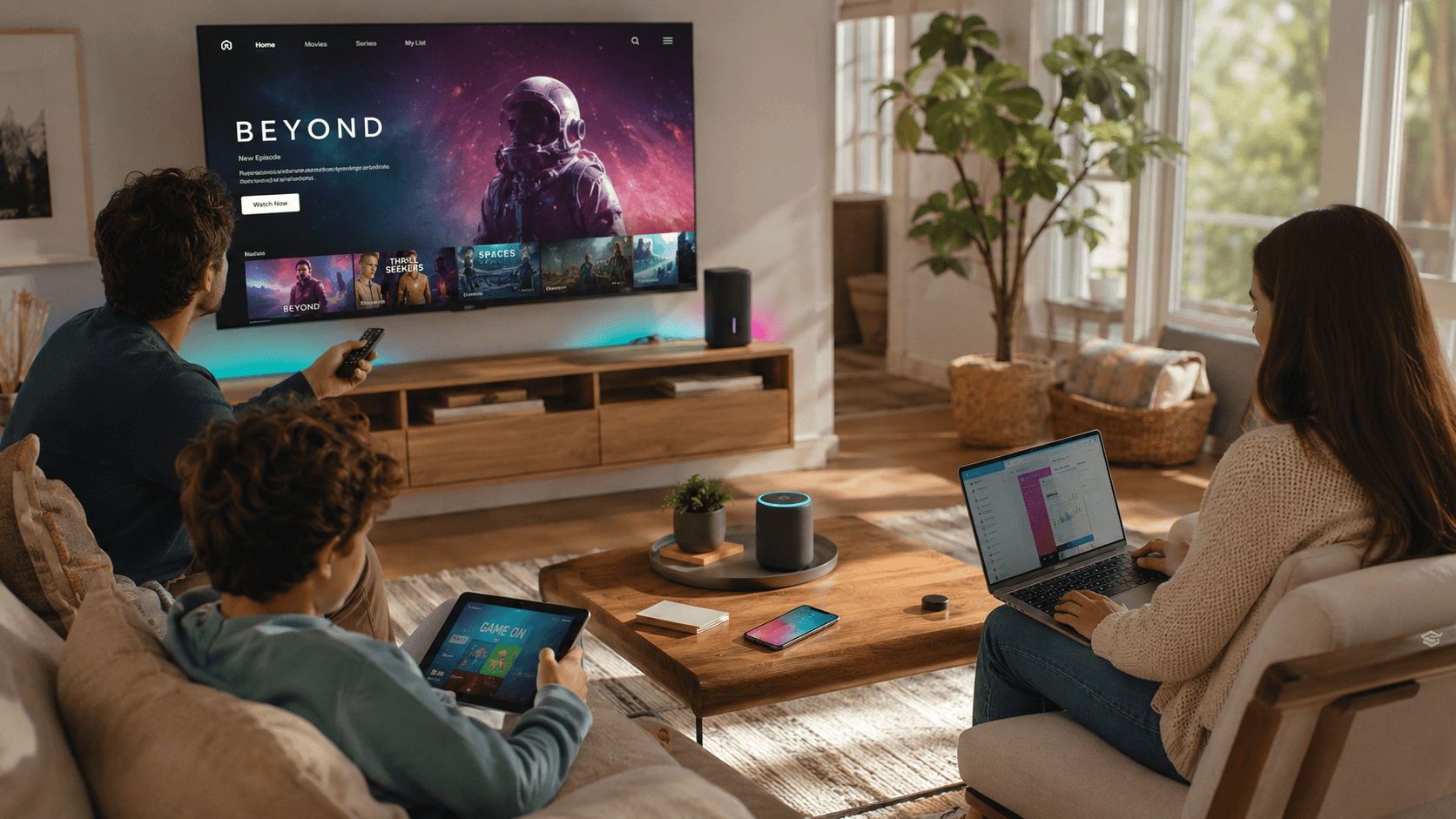
The interesting part is what happens when the house is not empty. Three TVs, two tablets, a video call, and a cloud backup all running at once is an ordinary Sunday evening rather than a stress test, and it is exactly where a thin connection starts rationing. Fiber has the headroom to treat each one like it is the only device online.
Those per-stream numbers are also averages rather than promises. A high-motion scene in HDR costs more than a talking head, and the demand rises and falls second by second as the picture changes. That is why a connection with a little room to spare looks consistently good while one sized exactly to the average looks fine most of the time and falls apart during the car chase.
Every screen gets a lane
- Multiple simultaneous 4K streams, no negotiating
- Instant starts and scrubbing, no pre-roll buffering
- Steady quality at 8 pm, when cable neighborhoods sag
The middle one is the item people notice without being able to name it. Streaming services adjust quality on the fly based on what your connection can deliver at that instant, so a connection with no spare room does not stop working. It quietly gets uglier. A movie that starts soft and sharpens up thirty seconds in, a scrub bar that takes a moment to catch up: that is your connection negotiating in public.
The third bullet is the one that decides how you feel about cord-cutting. Any connection looks good at ten in the morning; the honest test is 8 pm on a Sunday, when your street and the streaming service are both at their busiest. Cable neighborhoods share capacity and sag right then. Fiber does not share your line, so the picture you get in prime time is the picture you get at breakfast.
The upload half of movie night
Evening is also when the calls happen, when the phones back up the day, and when the doorbell has the most to report, and all of that is upload. On a lopsided connection those compete with the television, which is the specific collision that ruins most weeknights: somebody joins a video call and the film in the other room goes soft.
A symmetrical line does not have to choose. The upstream traffic gets its own capacity rather than borrowing from the picture, and the household stops having to sequence its evening around one screen at a time.
Set the living room up right
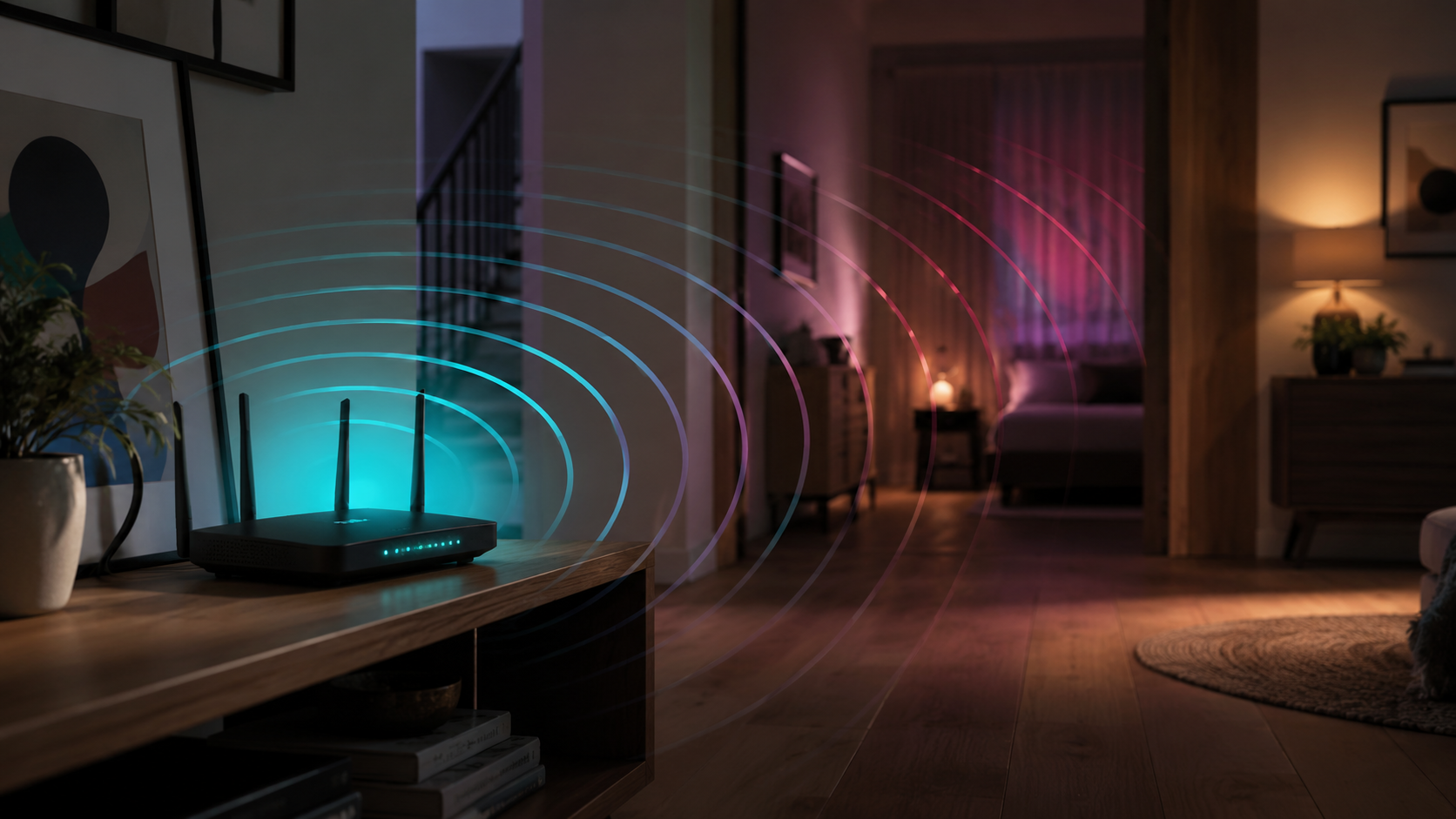
Put the main TV on ethernet if you can, and let mesh Wi-Fi cover the rest. Our installers set up both and make sure the far bedroom streams as smoothly as the living room, so it is worth a look at whole-home Wi-Fi before you rearrange furniture around a router.
A television is the perfect candidate for a wire: it never moves, it wants a steady stream for hours at a time, and it is usually the screen everyone in the house cares about most. If running a cable is not realistic, put a mesh unit within sight of the TV rather than in the next room, and keep it off the floor and out of the media cabinet, where the metal and the other electronics do it no favors.
Two smaller things while you are there. Check which of your services stream in 4K and on which tier, since several of them sell resolution as an upgrade. And remember that the app matters as much as the screen: the software built into a television is often years older than the streaming stick beside it, so if one service is consistently worse than the others on the same TV, try it from a different device before you blame the connection.