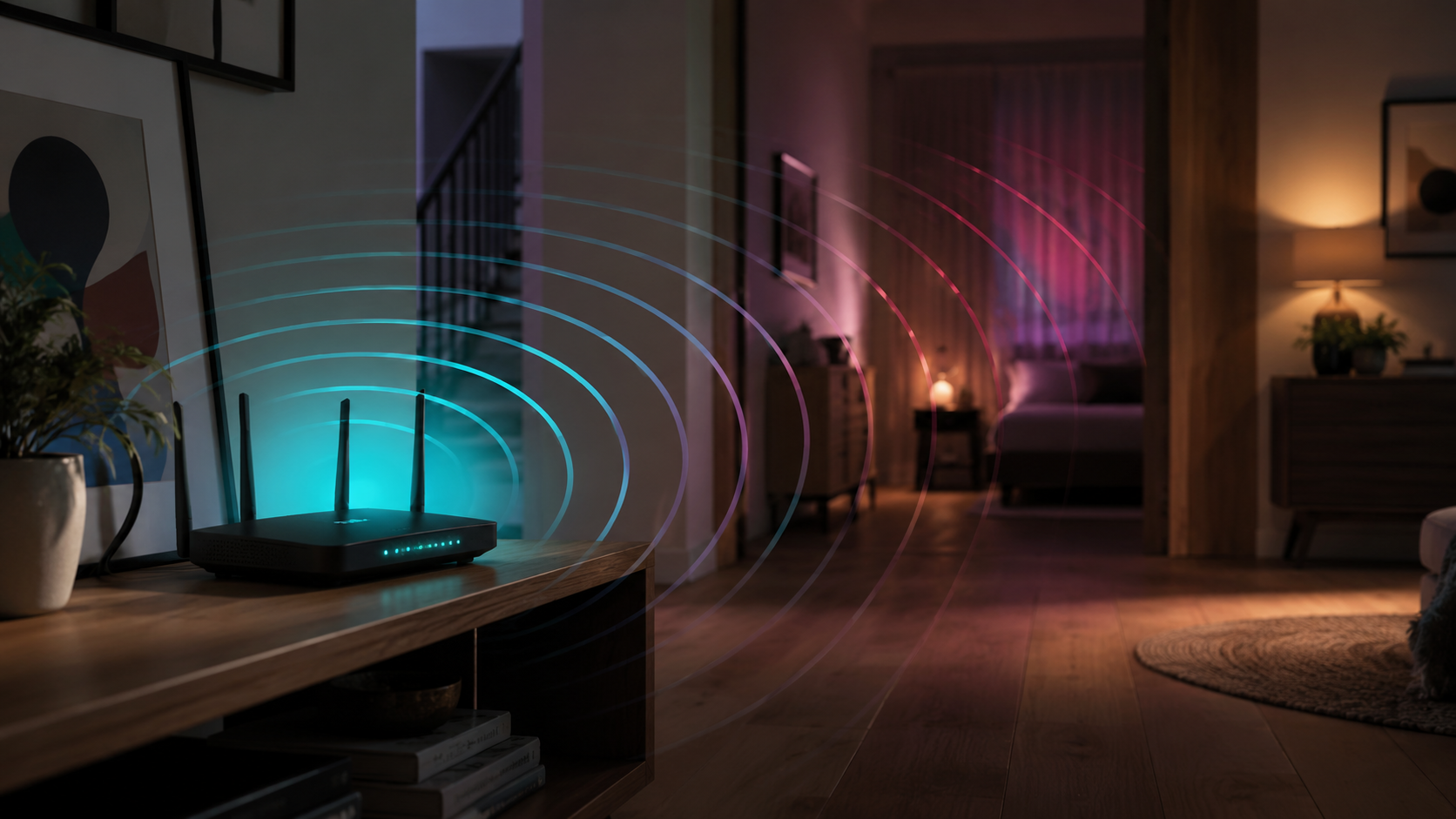

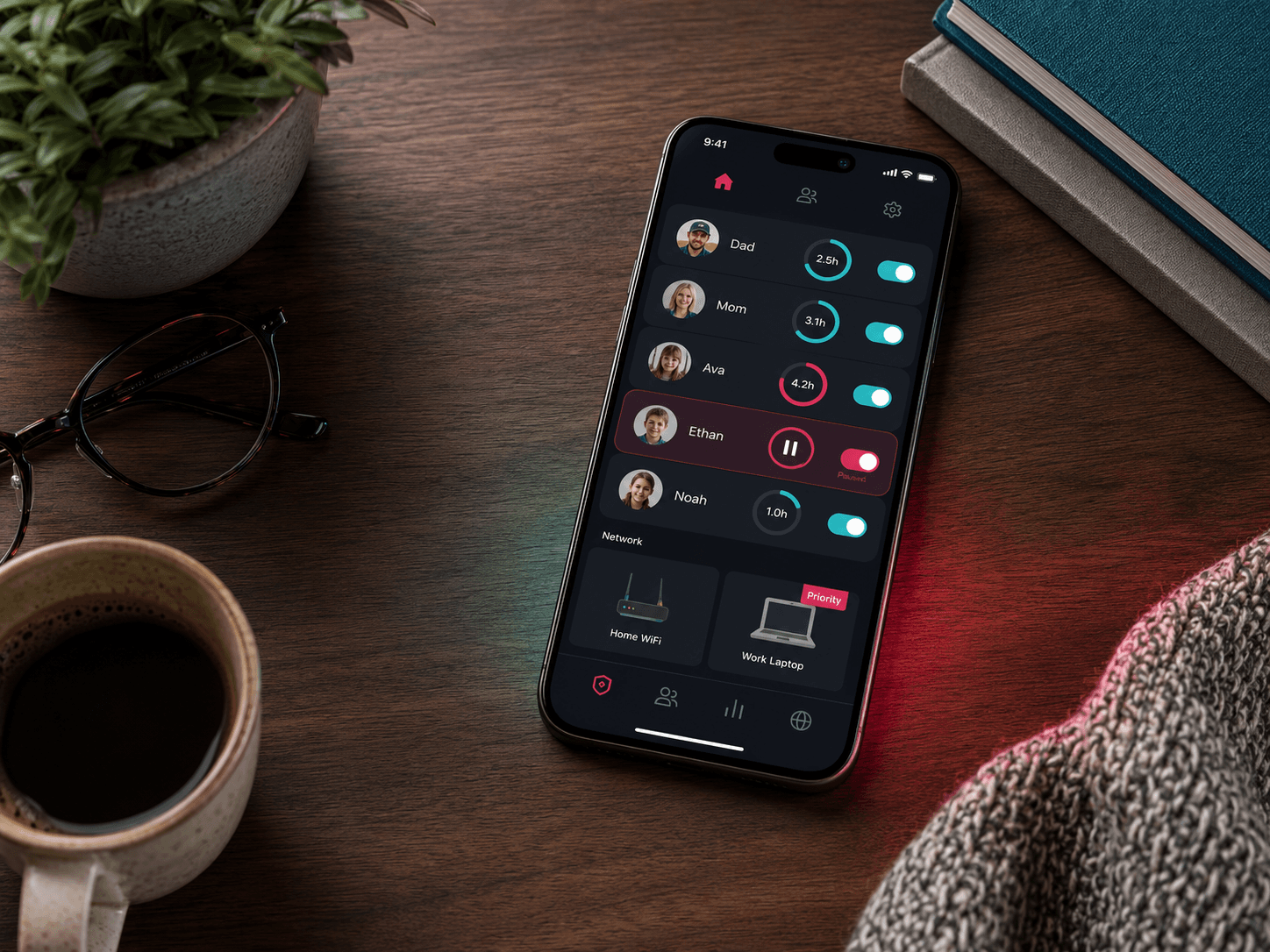
Screen-time rules only work when they are easy to set and impossible to argue with. Rules that live on each individual device fail both tests, because there is always one more tablet, one more login, one more loophole discovered at eleven at night. ExperienceIQ puts profiles, schedules, and a glorious pause button in your pocket, and applies all of it at the network instead.
Rules that live on the network, not on the device
When the rule is set on your network, it does not matter which screen a kid picks up. Anything that joins your Wi-Fi is covered, including the devices that arrived as gifts and the ones nobody has thought about since the day they were set up.
It also means you are not negotiating with every platform separately. Each console, tablet, and streaming box has its own settings screen, buried somewhere different, with its own opinion about what a bedtime is. Network-level rules replace that pile with one list you can actually keep up to date.
Be clear-eyed about the edge of it: rules on your network apply on your network. A phone with its own cellular data can step around them, and a laptop on the Wi-Fi at a friend’s house is on somebody else’s network. That is a conversation rather than a setting, and it is the reason the section at the end of this guide exists.
One profile per kid, one tap per rule
Group each child’s devices into a profile, then set bedtimes, homework hours, and content filters that apply everywhere at once: console, tablet, phone, TV. Change the rule once, it lands on every device. There is more on the app itself over at ExperienceIQ.
- Bedtime and school-night schedules
- Age-based content filtering
- Pause the internet for one kid, or everyone, instantly
Organizing by person rather than by device is what makes this maintainable over years. The eleven-year-old gets one set of rules, and the phone, the laptop, and the handheld console all inherit them without you doing the same work three times.
It ages well, too. When a birthday moves somebody into a later bedtime and a looser filter, you change one profile rather than hunting through four devices for the settings you buried there two years ago. Kids also understand a profile with their name on it far better than a rule that appears to come from nowhere.
Set it up in ten minutes
- Create a profile per person. In the app, add each family member and assign their devices. New devices auto-appear the first time they join your Wi-Fi.
- Set schedules. Bedtimes, school hours, dinner. Devices in the profile go quiet on schedule, and wake back up on schedule.
- Choose content levels. Pick an age tier per profile for automatic filtering, and add specific app or site rules if your house has house rules.
- Keep the pause button handy. It sits on the front screen of the app, and you will reach for it more often than you expect.
Start rough and adjust from there. Loosening a rule that turned out to be too strict is an easy conversation. Introducing a brand new restriction into a house that has grown used to none is not.
Spend two of those ten minutes naming devices as they appear. A list of profiles containing recognizable names is something you will keep using; a list of forty entries called things like android-4f2c is something you will quietly stop opening after a month.
Let the schedule do the arguing
The most useful property of a schedule is that it is not you. Devices in the profile go quiet on schedule and wake back up on schedule, so bedtime stops being a nightly negotiation with a person who is very motivated and has nowhere else to be.
Homework hours work the same way in reverse: the distractions go quiet while the tools stay on. Set both when nobody is upset, on a calm afternoon rather than in the middle of the argument you are trying to end. A rule agreed to in advance is a completely different object from a rule imposed at the worst moment of the evening.
The pause button
Dinner announcement not landing? One tap pauses that profile’s internet. It is remarkable how fast feet come downstairs.
Use it sparingly and it stays effective. Announced pauses beat surprise ones: a five-minute warning turns the pause into a timer, and the timer is the part that builds the habit. Surprise disconnections mostly teach kids to find another network.
It works on adults too, incidentally. A household that pauses everything for an hour at dinner is a different household by about the third week, and nobody has to be the one enforcing it out loud.
Talk about it before you turn it on
Controls work best as the enforcement of an agreement rather than a substitute for one. Say what the rules are, say why they exist, and make it visible that they apply to everybody in the house. Kids argue with arbitrary. They mostly accept consistent, and consistent at nine on a Tuesday is exactly the thing human beings are worst at and software is best at.
Revisit it as they get older. The filter that was right at eight is patronizing at thirteen, and a teenager who has been told the rules will change as they earn it has a reason to work with the system rather than around it. Put a date in the calendar to review the profiles once a year, in the same spirit as any other household admin. The goal was never a locked house. It was a household where the internet has a bedtime, same as everybody else.